
Patchy Wi-Fi at Home: Check Where the Router Sits Before Upgrading Your Plan
Good router placement fixes most patchy Wi-Fi problems at home. Your plan promises high speeds, and next to the router everything flies. Up in the third-floor bedroom, videos keep buffering. Many people call their provider to upgrade. Usually the problem is not the plan. It is what the Wi-Fi signal has to pass through.
Table of Contents: router placement
Router placement matters most
Technicians often install the router where the cable enters the house: a ground-floor corner, behind the TV cabinet, inside the fuse box area. Convenient for them, bad for the signal.
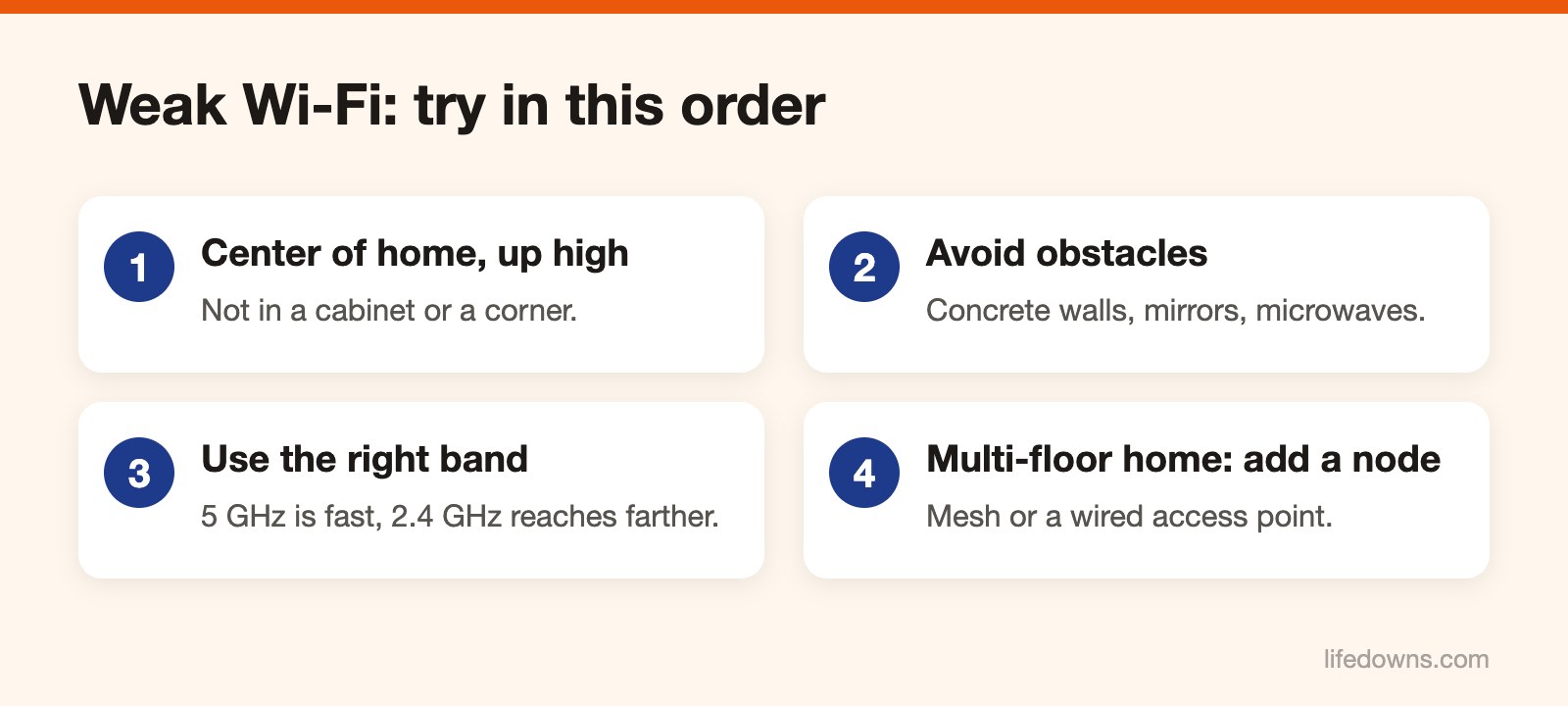
- Put the router near the middle of the home, as close as possible to where you use the internet most.
- Place it up high, on a shelf, not on the floor.
- Do not shut it inside a closed wooden cabinet or a metal box.
If the cable can only enter at a corner, ask the technician to run a network cable to a more central spot.
Keep it away from signal blockers
Thick concrete walls, concrete floors between levels, large mirrors, fish tanks and fridges all weaken the signal. A running microwave can interfere with the 2.4 GHz band. If the router sits right next to any of these, move it.
Pick the right band
Newer routers usually broadcast two bands:
- 5 GHz: faster and less crowded, but weaker through walls. Best for rooms near the router.
- 2.4 GHz: slower but reaches farther and gets through walls better. Best for distant rooms.
Many routers combine both bands under one Wi-Fi name and choose automatically. If a device in a far room keeps clinging to 5 GHz and dropping out, split them into two names so you can choose.
Restart and update
Turn the router off, wait about 30 seconds and turn it back on. Do this every few weeks. Open the router’s admin page and check for a firmware update. If the router is very old, ask your provider about replacing it.
Tall, narrow multi-floor homes
In a narrow three- or four-story townhouse, one router almost never covers everything. This is when spending money makes sense: a mesh Wi-Fi system, or a second access point upstairs connected by a network cable. A cable beats a wireless range extender, which often cuts your speed.
Today, try a new router placement and run a speed test. Learn more about the router, or read what to do about a slow phone.