
Phone Photography: 7 Easy Composition Tips for Better Photos
Phone photography is a hobby almost anyone can start today: a weekend trip, a family meal, a street corner in the morning. Phone cameras are now good enough that composition and light, not the device, usually decide whether a photo works.
This guide offers 7 composition tips you can try on your next outing, plus a few common mistakes and how to fix them.
Contents: Phone photography
1. Before you start: phone photography basics
Two small things are worth doing before every shoot:
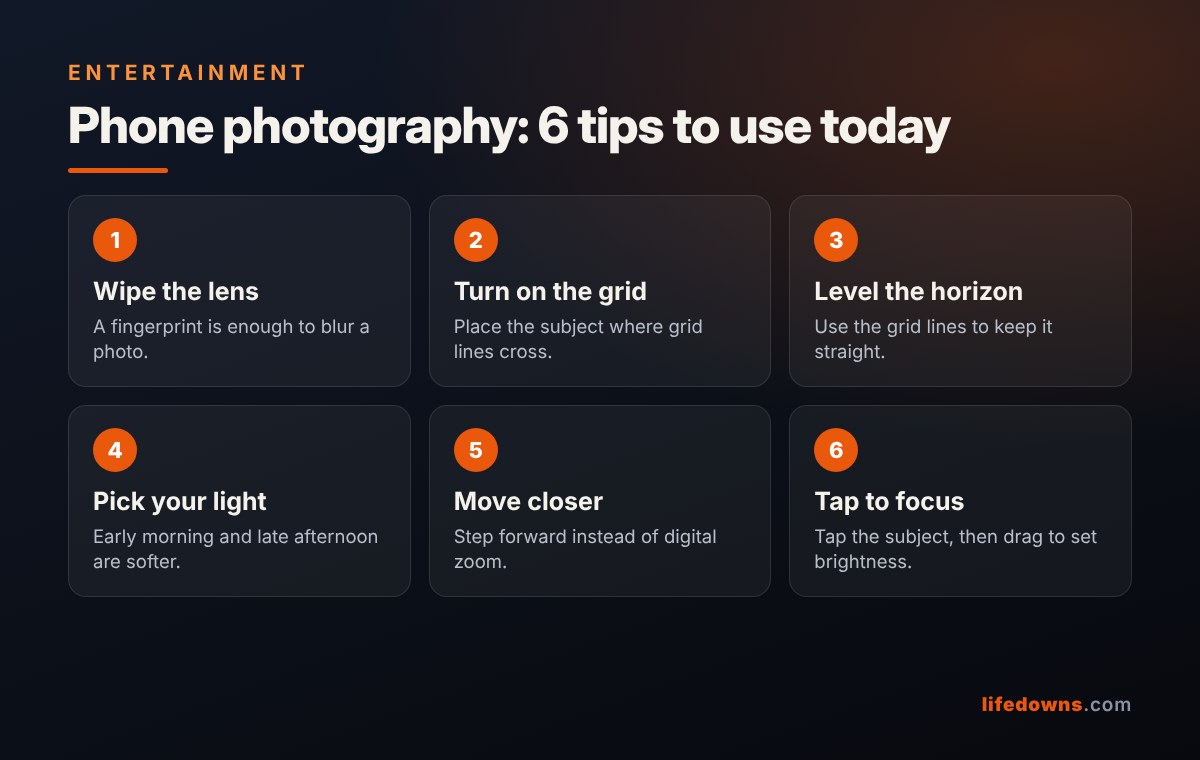
- Wipe the lens: a phone lives in pockets and bags, so the lens collects fingerprints and dust. A gentle wipe with a soft cloth makes photos visibly clearer.
- Turn on the grid: open the camera settings and enable “Grid”. The lines divide the frame into nine boxes, helping you compose and keep the shot level.
2. 7 composition tips for phone photography
Tip 1: Use the rule of thirds
Instead of always centring the subject, place it on one of the four points where the grid lines cross. The photo gets breathing room and feels more natural. Read more about the rule of thirds on Wikipedia.
Tip 2: Keep the horizon level
A tilted sea, field, roofline or table makes a photo look careless. Use the horizontal grid lines to straighten it. For landscapes, try placing the horizon on the upper or lower third instead of cutting the frame in half.
Tip 3: Choose soft light
Early morning and late afternoon give soft light, warm colour and pleasant shadows. At harsh midday, look for shade. For people, let the light fall on the face or from the side, and avoid a window or the sun directly behind them unless you want a silhouette.
Tip 4: Move closer instead of digital zoom
Pinch-to-zoom usually just crops the image and reduces sharpness. If you can, step closer. If your phone has a dedicated telephoto lens, use its exact steps such as 2x, 3x or 5x.
Tip 5: Tap to focus and set brightness
Tap the subject on screen so the camera focuses there. On many phones you can drag up or down beside the focus box to adjust brightness, and press and hold to lock focus.
Tip 6: Use leading lines and natural frames
Roads, fences, riverbanks and railings are lines that pull the eye towards the subject. Windows, tree branches and doorways can frame it and add depth.
Tip 7: Change your angle
Most photos are taken from standing eye level, so they look alike. Try lowering the phone to the height of a child or pet, or shoot straight down on a plate of food. A new angle alone changes the picture.
💡 Quick tip: Take three shots of every scene: one wide, one medium and one close-up detail. You will have far more choice later.
3. Common mistakes and fixes
| Mistake | Fix |
|---|---|
| Blurry or hazy photos | Wipe the lens, hold with both hands, tuck elbows in |
| Dark faces | Move so the light is in front, tap the face to meter |
| Tilted photos | Turn on the grid and align to a horizontal line |
| Messy background | Step sideways, lower the phone or move closer |
| Grainy zoomed shots | Move closer, use optical zoom steps |
4. Summary: practise phone photography every day
You do not need all seven tips at once. This week practise only the rule of thirds; next week try late-afternoon light. Phone photography is cheap, always in your pocket and improves quickly with practice.
More from our Entertainment section: Family Board Games: 7 Easy Picks for a Fun Weekend Night at Home and Weekend Picnic Checklist: 7 Easy Steps to Plan a Fun, Stress-Free Day Outdoors.
Frequently asked questions about phone photography
Can a cheap phone take good photos
Yes. Composition, light and a clean lens make a bigger difference than price, especially in daylight.
Should I turn on HDR
Leave HDR on auto. It keeps detail in both bright and dark areas in high-contrast scenes.
How far should I stand for a portrait
About one to two metres, using portrait mode or the 2x lens if you have one, so the face is not distorted as it is up close with a wide lens.
Do I need to edit my photos
Not necessarily. Cropping, straightening and a small brightness adjustment in the built-in photos app are usually enough.
What do you like to shoot most with your phone: landscapes, food or family? Tell us in the comments! 📱📸