
Phone Getting Slow? What to Clean Up Before You Buy a New One
A slow phone is something almost everyone deals with after a few years. When it was new, the phone was smooth. Two years later the camera takes a while to open, the keyboard stutters, and a full charge in the morning is gone by afternoon. The first thought is to buy a new one. Wait. Most of the time the cause is full storage or a worn battery, and both can be fixed.
Table of Contents: slow phone
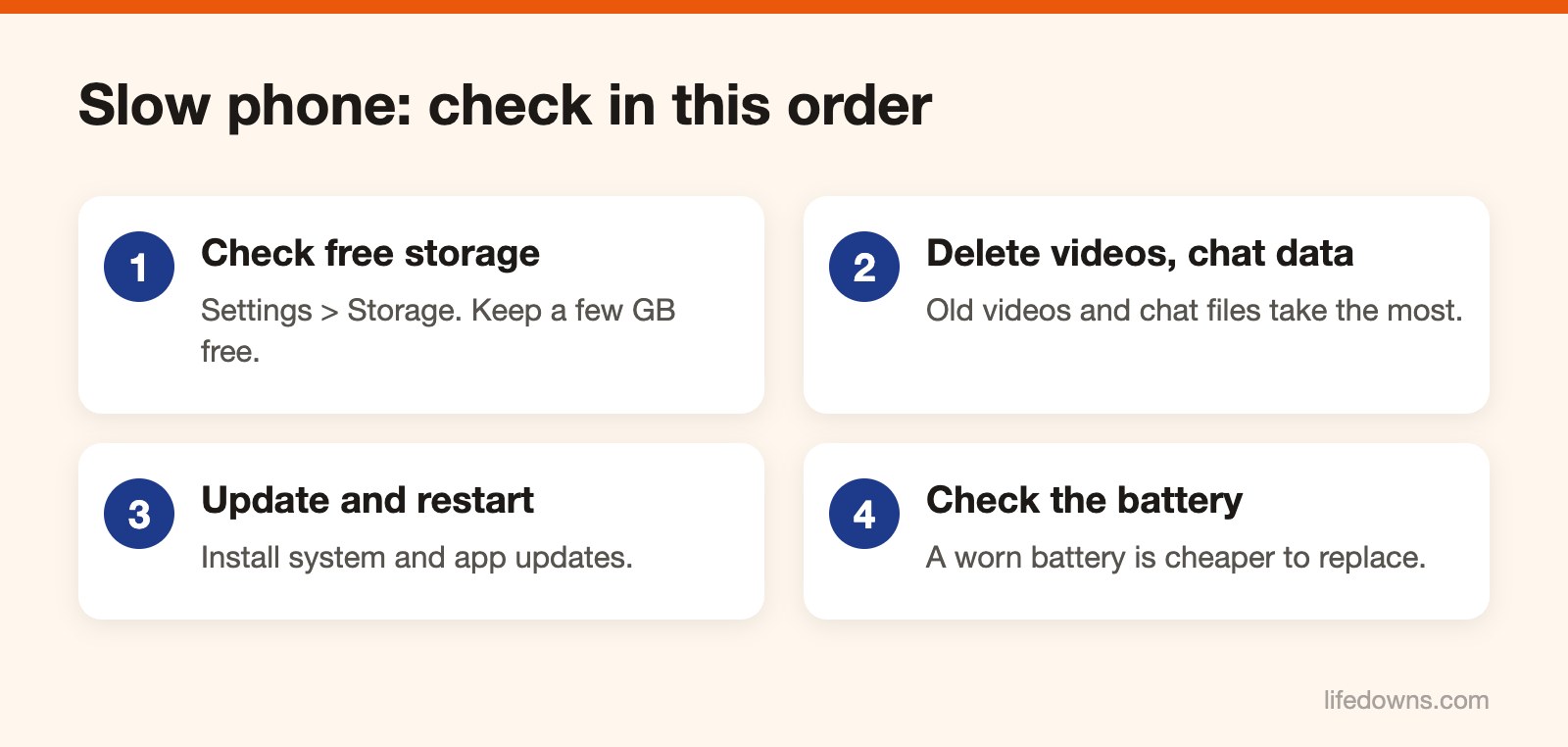
1. Check how much storage is free
Go to Settings and find Storage (Android) or General > iPhone Storage. When storage is nearly full, the phone has no room to write temporary data and everything slows down. Keep at least a few GB free. Sometimes a slow phone only needs a restart.
2. Delete what takes the most space
The storage screen shows what is heaviest. Usually it is:
- Videos. A few minutes of high-resolution footage can take a whole GB. Copy them to a computer or cloud storage, then delete them from the phone.
- Burst photos, duplicates and old screenshots.
- Chat app data. Zalo, Messenger and WhatsApp keep photos, videos and files from every group you are in. Most of them have a storage management screen where you can clear data per conversation.
- Apps you have not opened in months. Uninstall them and download again if you need them.
3. Update and restart
Install the latest system and app updates. Updates usually fix bugs and patch security issues. Then turn the phone off and on again. It sounds basic, but many people go weeks without a single restart. A slow phone is often just a phone with almost no free storage.
4. Check the battery
Lithium batteries wear down with each charge cycle. A worn battery drains faster, and some phones slow themselves down to avoid shutting off unexpectedly. On iPhone, go to Settings > Battery > Battery Health. On Android it depends on the brand; some show it under Device care or Battery.
If the battery is clearly worn, have it replaced at an authorized service center or a reputable shop. It costs far less than a new phone. If a slow phone is still sluggish after all this, then consider a new one.
When to actually replace it
If you have done all of the above and the phone is still slow, or the manufacturer no longer sends security updates for it, that is the time to think about a new one. Using banking and e-wallet apps on a phone that no longer gets security patches is riskier.
If you have a slow phone, try these steps before buying a new one. Learn more about the smartphone, or read how to back up phone photos with the 3-2-1 rule.