

How Many Streaming and Music Apps Are You Paying For? Check Once
Streaming subscriptions pile up quietly, one small charge at a time. You sign up for one streaming app to watch a show everyone is talking about. Then a music app. Then a free trial on another platform that you plan to cancel at the end of the month. Six months later you look at your card statement and see charges for three or four services, and you only use one.
Each one looks small on its own. Add them up over a year and it is a different number.
Table of Contents: streaming subscriptions
Step 1: List everything you pay for
Do not rely on memory. Check:
- Android: open the Google Play app, tap your profile picture, then Payments & subscriptions.
- iPhone: Settings, tap your name, then Subscriptions.
- Your bank card or e-wallet statements for the last 2 to 3 months. Some services are billed directly through their website and do not show up in the app store.
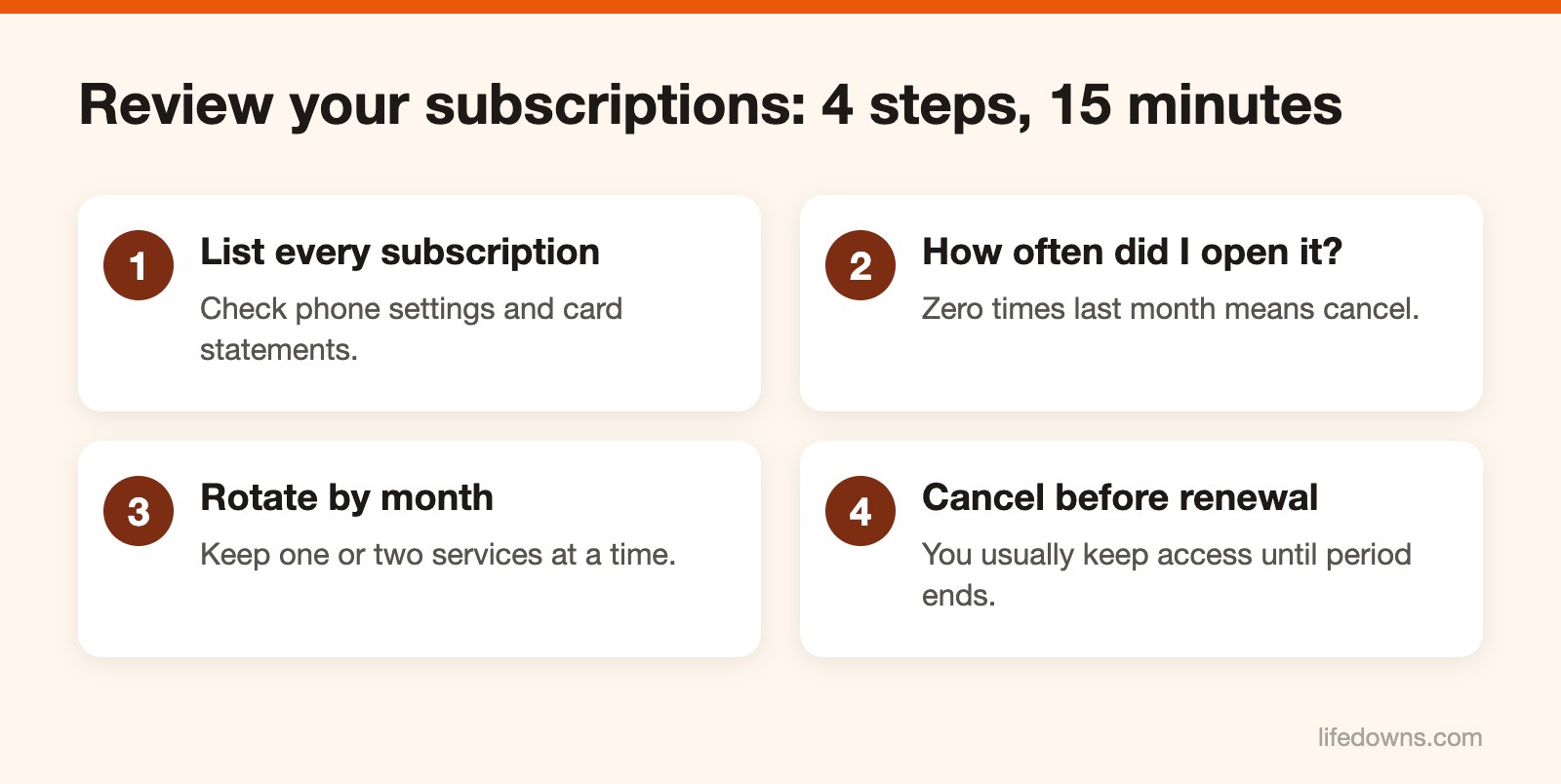
Step 2: Ask one question for each
How many times did I open it last month? Zero means cancel. Once or twice, think about it. Some subscriptions stay only because you are afraid of not having them when you need them. If you need it, sign up again. It takes a minute.
Step 3: Rotate instead of keeping them all
Keep one or two services each month. Finish what you want to watch on one platform, cancel, and switch to another next month. The shows are not going anywhere.
If several people at home use the same service, look at the family plan. Split between members, it usually costs less than everyone buying their own. Read each platform’s sharing rules, since many only allow sharing within one household. Each of your streaming subscriptions looks cheap until you add them up. Reviewing streaming subscriptions every few months is enough. Any of your streaming subscriptions you have not opened in a month is worth cancelling.
Step 4: Cancel before the renewal date
Write down the renewal date for each subscription. For most subscriptions billed through an app store, you keep access until the end of the paid period after cancelling, so there is no need to wait until the last day. For a free trial, cancel right after signing up if the service lets you keep using it until the trial ends.
Do this once a quarter. Fifteen minutes, no more.
Today, list all the streaming subscriptions you pay for. Learn more about streaming media, or read our tips for a movie night at home.