

Using AI to Summarize Documents: What to Trust and What to Check Yourself
AI document summaries can save you a lot of reading time. Paste a 40-page report into ChatGPT, Gemini or Claude, and ten seconds later you have a neat summary. It is convenient. The catch is that every summary looks equally trustworthy, including the ones that are wrong.
AI models can misstate a number, merge two points into one, or produce a quote that is not in the document. This is called “hallucination.” It does not happen every time, but it happens often enough that you should not take the output at face value.
Table of Contents: AI document summaries
What AI does well
- Telling you what the document is about and how it is structured.
- Pulling out the main points so you can decide whether to read it closely.
- Rephrasing a dense passage in plainer words.
Use AI to get your bearings and find the parts worth reading. Do not use it as a replacement for reading when you are about to sign something, spend money or make a decision.
What you need to check yourself
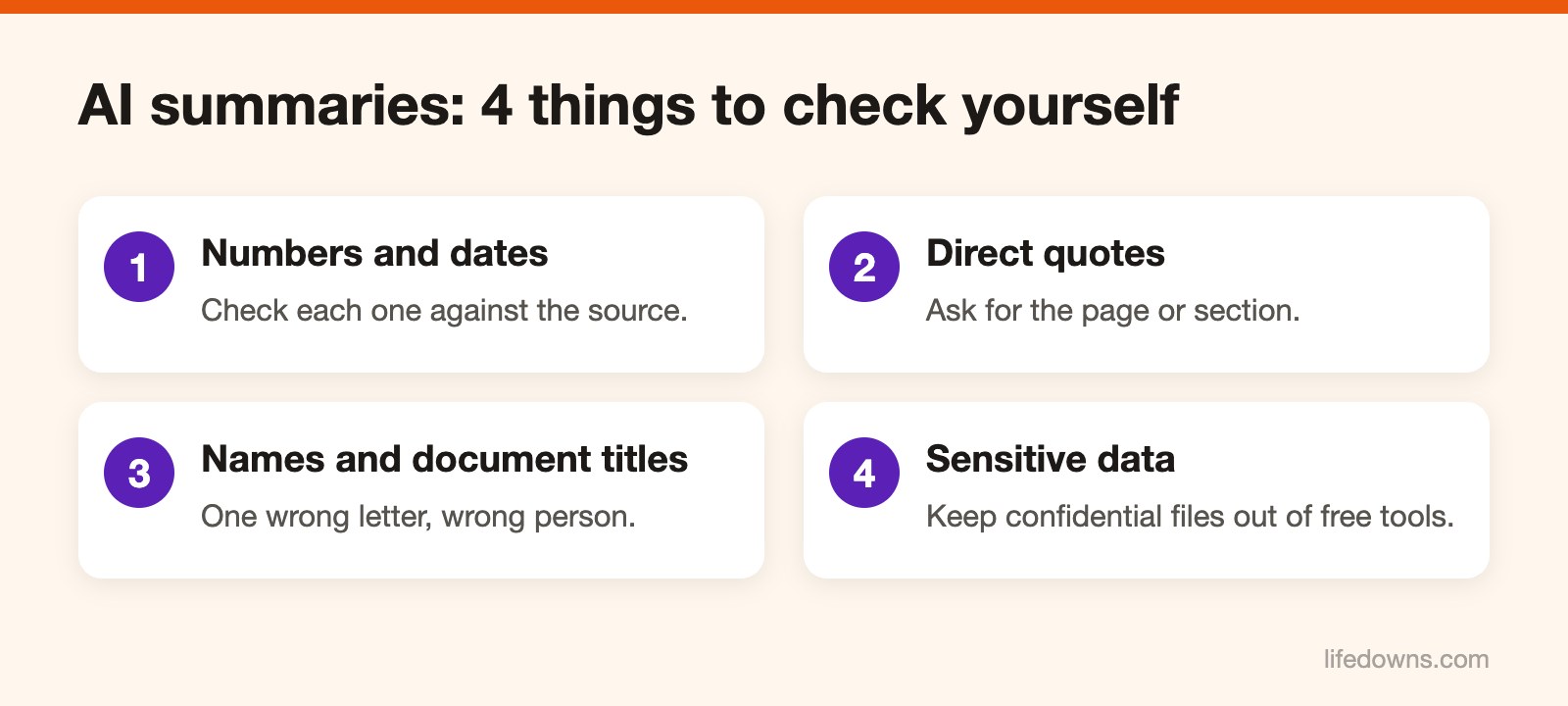
Numbers and dates. Revenue, percentages, deadlines, amounts. Open the original and check each one. This is where errors show up most, and where they cost the most.
Quotes. When the summary says “the document states that…”, find that sentence in the original. If you cannot find it, treat it as not there.
Names. People, companies, document reference numbers. One wrong letter and it is a different person or a different document.
Prompts that make checking easier
Instead of just typing “summarize this”, be specific:
- “Summarize in 5 points, and give the page or section for each.”
- “List every number and date that appears in the document separately.”
- “If the document does not say, write that the information is not there. Do not guess.”
With page numbers attached, checking goes much faster. AI document summaries work best when you only need the big picture. With AI document summaries, always double-check the numbers. Treat AI document summaries as a starting point, not the final word.
Be careful with sensitive data
Contracts, payroll, customer data, personal records: read the tool’s data policy before pasting them in. Some free versions may use your conversations to improve their models unless you turn that setting off. If your company has rules about AI tools, follow them.
Next time you use AI document summaries, check these parts first. Learn more about automatic summarization, or read our guide to writing AI prompts.