
One Password for Every Account: Why It’s Risky and How to Switch Gradually
A password manager is the easiest way out of using one password for everything. Many people use one password, or a few variations of it, for every account. Easy to remember. Very risky.
Websites leak user data all the time, including big ones. When a list of emails and passwords gets out, attackers use automated tools to try those pairs on lots of other sites: Gmail, Facebook, shopping sites, banks. If you reuse your password, one leak opens everything.
Table of Contents: password manager
Check whether your email has been in a leak
Go to haveibeenpwned.com and enter your email address. The site collects publicly reported data breaches. Many people are surprised to find their email in five or seven of them.
The fix: a password manager
Nobody can remember fifty different passwords. A password manager remembers them for you. You only need to remember one master password.
- Free and built in: Google Password Manager in Chrome and Android, the Passwords app on iPhone.
- Standalone apps: Bitwarden (has a free plan), 1Password and others.
They generate long random passwords, save them and fill them in when you log in.
Switch gradually, not all at once
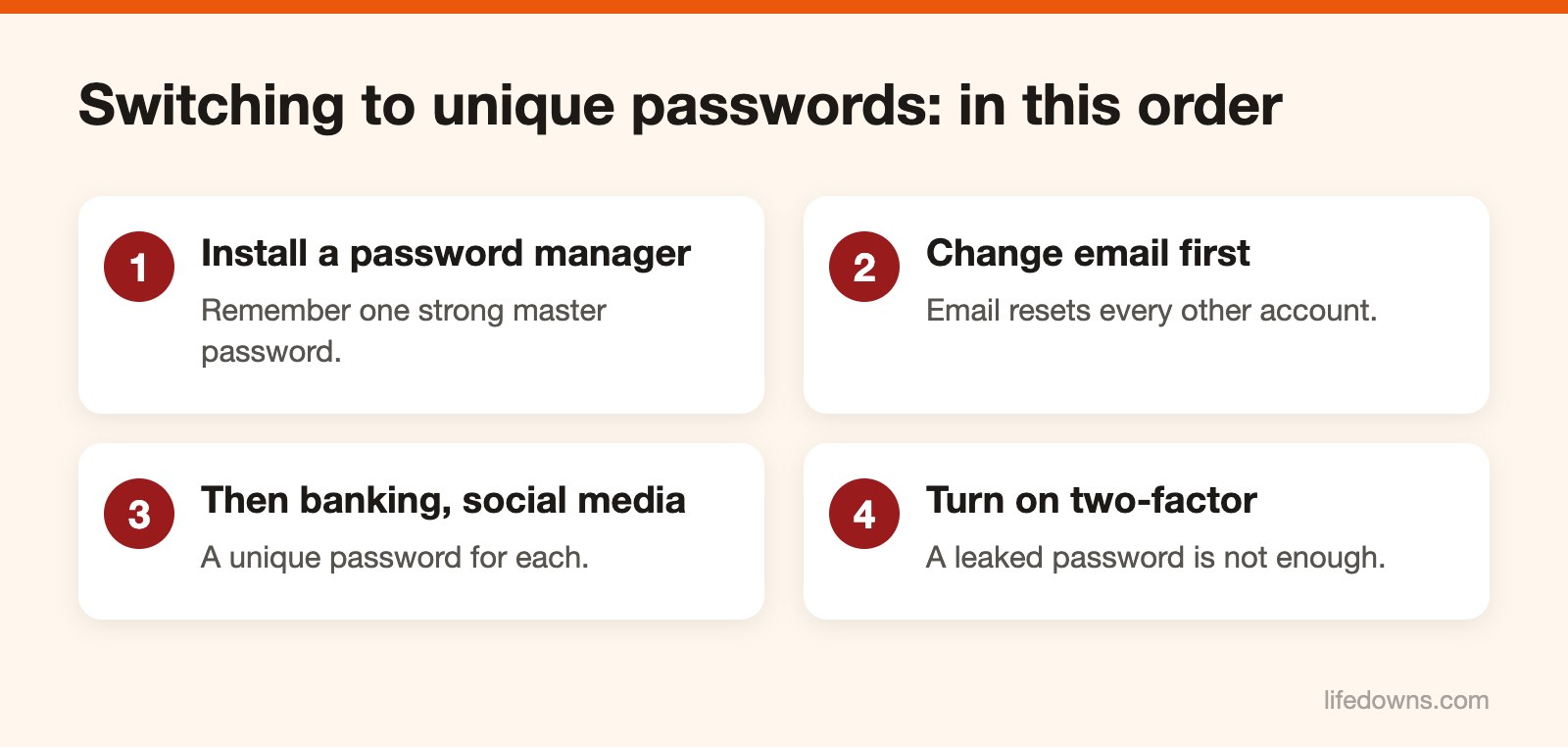
Nobody can change a hundred accounts in one evening. Go in this order:
- Your main email. Most important, because email is used to reset the password for every other account.
- Banking and e-wallets.
- Social media, messaging apps, and shopping accounts with saved cards.
- Everything else: change it the next time you log in to that site.
The master password must be strong
Use a long passphrase, for example four or five random words together, easy for you to remember and hard for anyone else to guess. No birthdays, phone numbers or kids’ names. Do not use this password anywhere else.
One more layer: two-factor authentication
Turn on two-factor authentication for email, banking and social media. An authenticator app or a security key is safer than codes by SMS. Many services now also support passkeys, which let you sign in with a fingerprint or face instead of a password. Turn them on where available.
Today, add one important account to a password manager. Learn more about the password manager, or read how to spot account-locked text scams.