

Lose Your Phone, Lose Every Photo? Back Up with the 3-2-1 Rule
It is best to back up phone photos before something goes wrong, not after. Ask around and everyone knows someone who lost all their photos: a phone dropped in water, snatched, or dead and will not turn on. Wedding photos, pictures of the kids since birth, all on one device.
A phone is not a long-term storage place. It is where you take photos.
Table of Contents
What the 3-2-1 rule is
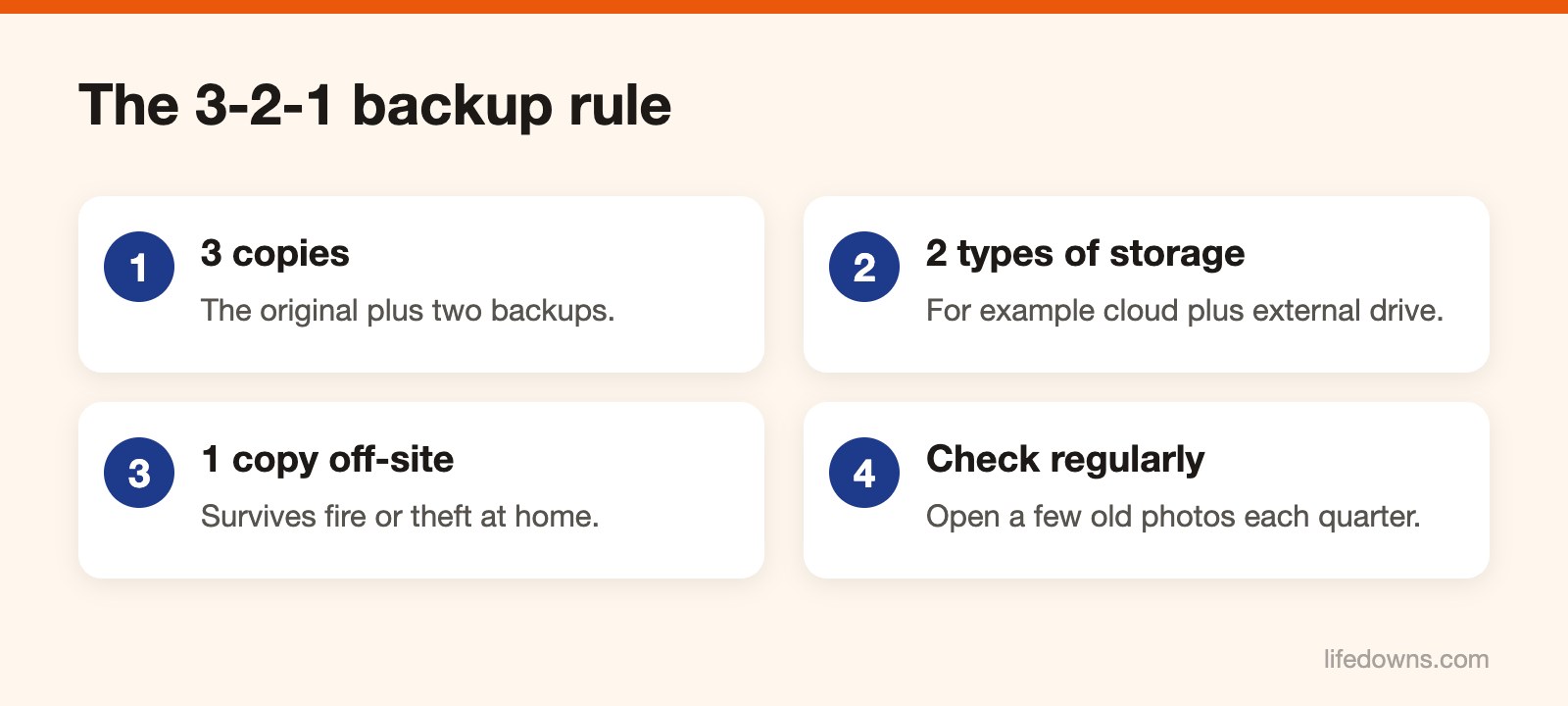
It is a backup principle tech people have used for a long time:
- 3 copies of your data: the original and two backups.
- 2 different types of storage, for example a cloud service and an external hard drive.
- 1 copy stored somewhere else, not in the same place as the original. A cloud service covers this.
The goal is simple: if one fails, another is still there.
Doing it with a phone
Copy 1: cloud, set to automatic. Google Photos on Android, iCloud Photos on iPhone, or another service you trust. Turn on automatic backup over Wi-Fi. Free tiers are limited: Google gives 15 GB shared across your whole account, iCloud gives 5 GB. With lots of photos you will need to buy more space or choose compressed quality.
Copy 2: external drive or computer. Every month or quarter, connect the phone to a computer and copy all photos to an external drive. Name folders by year and month so they are easy to find.
The original stays on the phone until you are sure the other two copies are complete.
Common mistakes
- Thinking sync is backup. If you delete a photo on the phone, the cloud copy may also be deleted after a while. That is why the external drive matters.
- Never checking. You think backup is on, and when you need it you find it stopped months ago because storage was full. Open the app and check the date of the last backup.
- Forgetting the cloud account password. Write it down, turn on two-factor authentication and set up a recovery method.
The first time takes one evening. After that, fifteen minutes a quarter.
Today, check where you back up phone photos right now. Learn more about backups, or read what to do when you have a slow phone.